
Add Dan to your ads.
5 steps. Best done on a computer.
Open Meta settings Sign in as the business owner or someone with full control.Open Settings → People.
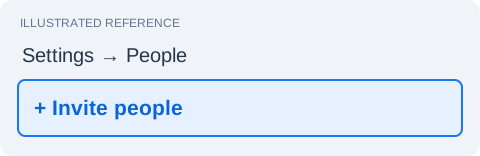
Open Meta on a computer. Select your business, then Settings → People → Invite people.
Enter Dan’s email.
Choose Partial access (sometimes called Basic), then Next.
Select your ad account.
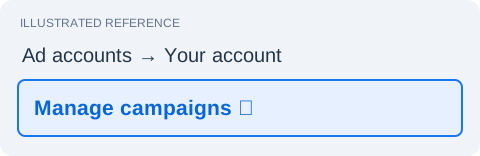
Under Ad accounts, select your account. Turn on Manage campaigns.
Select your Facebook Page.
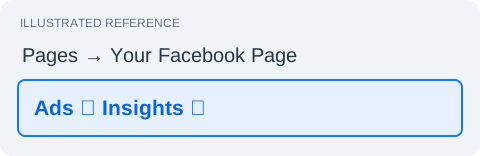
Under Pages, select your Page. Turn on Ads / Create ads and Insights, if shown.
Send the invitation.
Click Next, review the access, then Invite. Dan will accept the email invitation.
That’s it. Dan takes it from here.
Don’t see an option? Ask Dan for help →
Pictures are simplified references. Meta’s wording may vary.
You keep ownership. Never share your Facebook password.